OnStream APK Not Working: Common Causes and Fixes
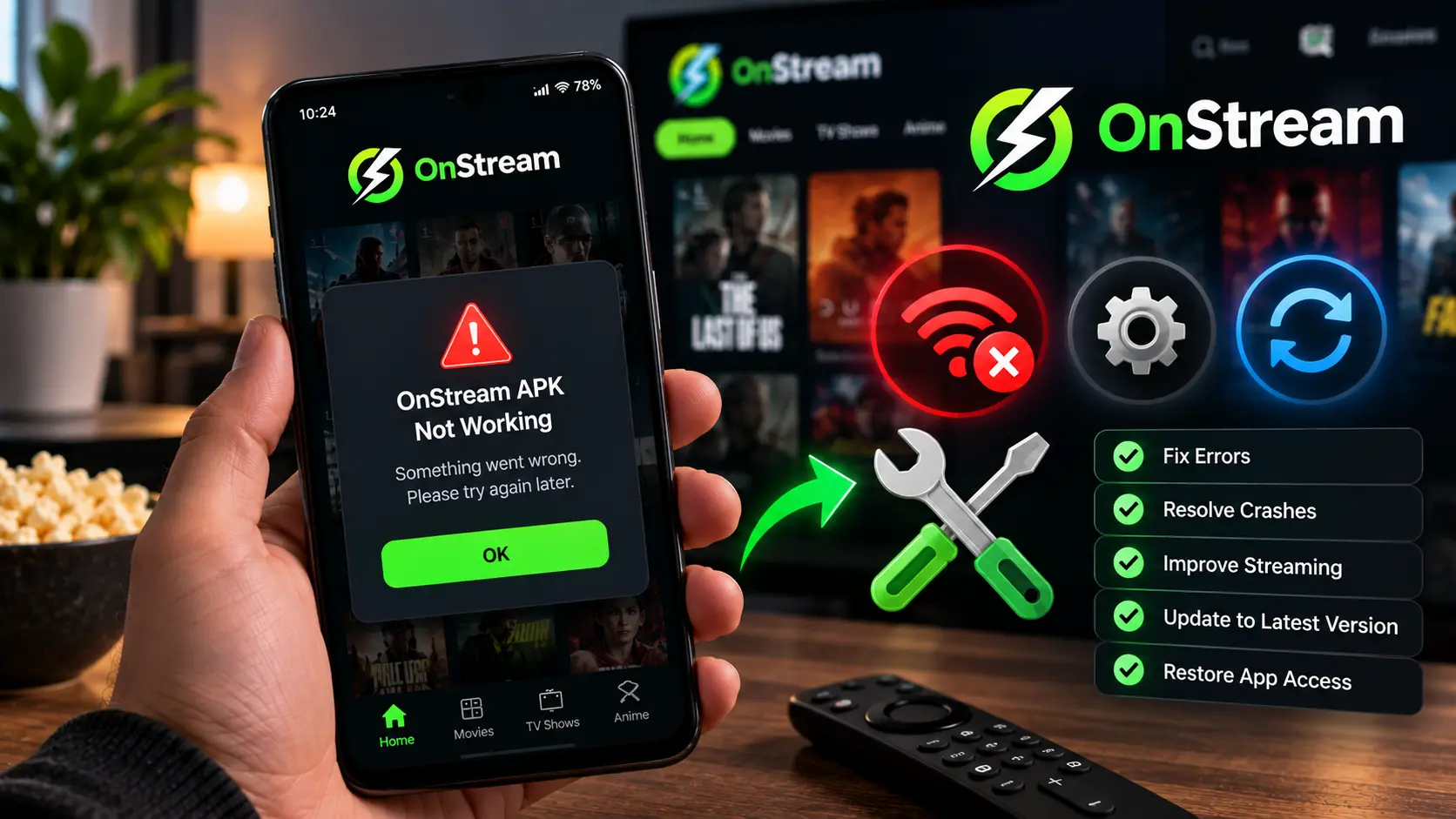
An onstream apk not working problem almost never comes out of nowhere. It is usually one of a small number of things, an outdated build, a storage issue, a blocked permission, or a server on the content side having a bad day. The tricky part is that the symptom looks the same either way, the app just does not do what you expect, so this page breaks it down by what you are actually seeing and walks through the fix for each one, rather than one generic “restart your device” answer.
The App Won’t Open or Closes Immediately
This is the most common version of onstream not working, and it is almost always tied to the app version or a corrupted cache rather than anything wrong with your device.
● Force close and reopen it. Sounds obvious, but a stuck background process causes more of these than people expect.
● Clear the app cache. Go to your device settings, find OnStream under Apps, and clear cache, not data, to avoid losing saved preferences.
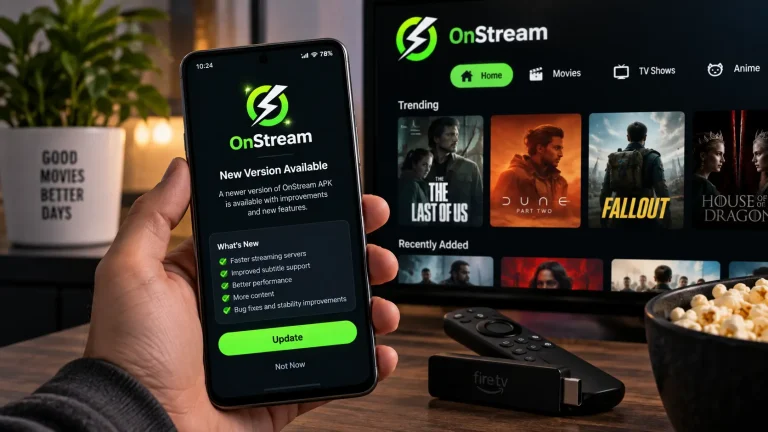
● Reinstall using the current build. If the app has not been updated in a while, an old version is the single most common cause of crashes on launch.
● Check available storage. Below roughly 200 MB free, some devices start killing apps on launch to free memory.
“No Links Available” on a Movie or Show
This is a content issue rather than an app issue, and it is the single most reported problem across apps like this one. A specific server for that specific title is temporarily down, which has nothing to do with your phone or your internet.
● Switch servers inside the player. Most titles list two or more sources. Cycling through them resolves this the majority of the time.
● Try again later. Servers do come back, often within a few hours.
● Update the app. Newer builds occasionally drop dead sources and pull in fresh ones, so an outdated build can show more “no links” errors than a current one.
Constant Buffering or Slow Playback
Buffering is almost always a connection or quality mismatch rather than a fault in the app itself.
● Lower the streaming quality one notch. 1080p and 4K need considerably more consistent bandwidth than 720p.
● Switch from mobile data to Wi-Fi, or the other way around. Whichever connection is currently weaker is usually the cause.
● Close other apps using bandwidth. Background downloads or another device streaming on the same network both eat into what is available.
● Try a different server for the same title. Some sources are simply faster than others depending on where they are hosted.
Installation Fails or Play Protect Blocks It
This one is specific to the install step rather than something that happens after the app is already running.
● Play Protect warning. This appears for every app installed outside the Play Store, not something unique to OnStream. Tap more details, then install anyway.
● “App not installed” error. Usually means the download was interrupted partway. Delete the file and download it again on a stable connection.
● Unknown Sources not enabled. Check your device settings, since this needs to be switched on before any sideloaded app will install.
If you are setting up on Android specifically and want the full permission walkthrough, our Android setup guide covers each prompt you will see during install.
The App Disappeared After a Device Update
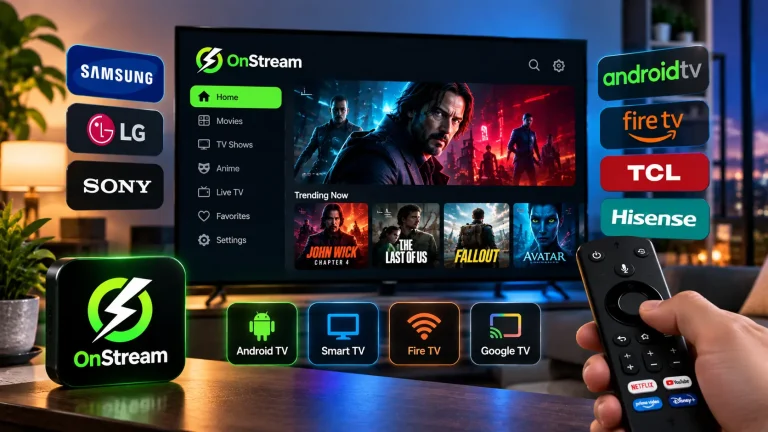
This one catches people off guard because nothing they did caused it. A system update, particularly on Fire TV devices, occasionally wipes sideloaded apps as part of the update process. The fix is simply reinstalling using the same steps you used the first time, your favourites and settings on the content side are unaffected. If this happened on a FireStick, our FireStick install guide has the exact steps if you need a refresher.
When to Update vs When to Reinstall Completely
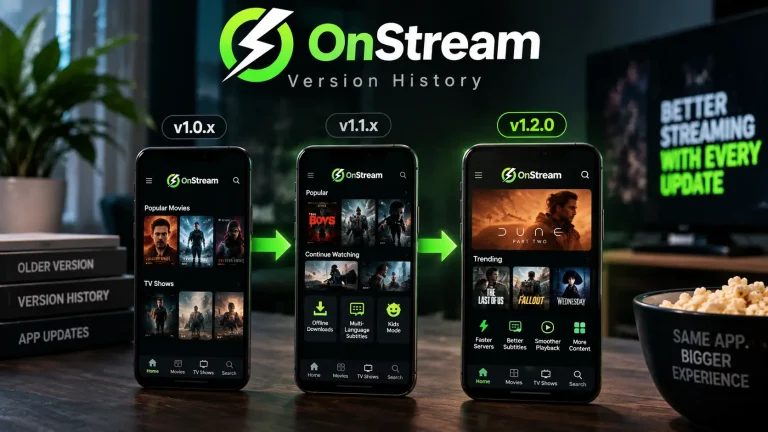
A normal update, installing the new APK over the old one, fixes the vast majority of issues on this page and keeps your settings intact. A full reinstall, where you remove the app first, is only worth doing if updating has not helped, since it wipes local settings and cached data completely. Start with an update every time, and only fall back to a clean reinstall if the problem is still there afterward.
Frequently Asked Questions
Final Word
Most of the time, onstream apk not working comes down to one of the handful of causes above, and none of them need more than a few minutes to sort out. If updating and the fixes here have not helped, the cleanest starting point is reinstalling from scratch using the current verified build, which clears out whatever the old install left behind.