OnStream APK for Smart TV Compatibility Guide
Smart TV is not one thing. A Samsung TV and a Sony Google TV both get called smart TVs, but under the hood they run completely different software, and that difference decides whether onstream apk for smart tv means a five minute install on one set and something that simply refuses to run on another, however many times you try. This page sorts out which is which for your specific set, and what to do if yours falls on the wrong side of that line.
Why Smart TV Compatibility Isn’t One Answer
Every smart TV runs an operating system, the same way a phone does, and that operating system decides what kind of apps it can open. Some TV brands build on Android, which is why an Android APK can run on them directly. Others, Samsung being the biggest example, use entirely different software that was never built to open Android files in the first place. Neither one is better for watching OnStream, it just changes which installation method actually works.
Quick Compatibility Table
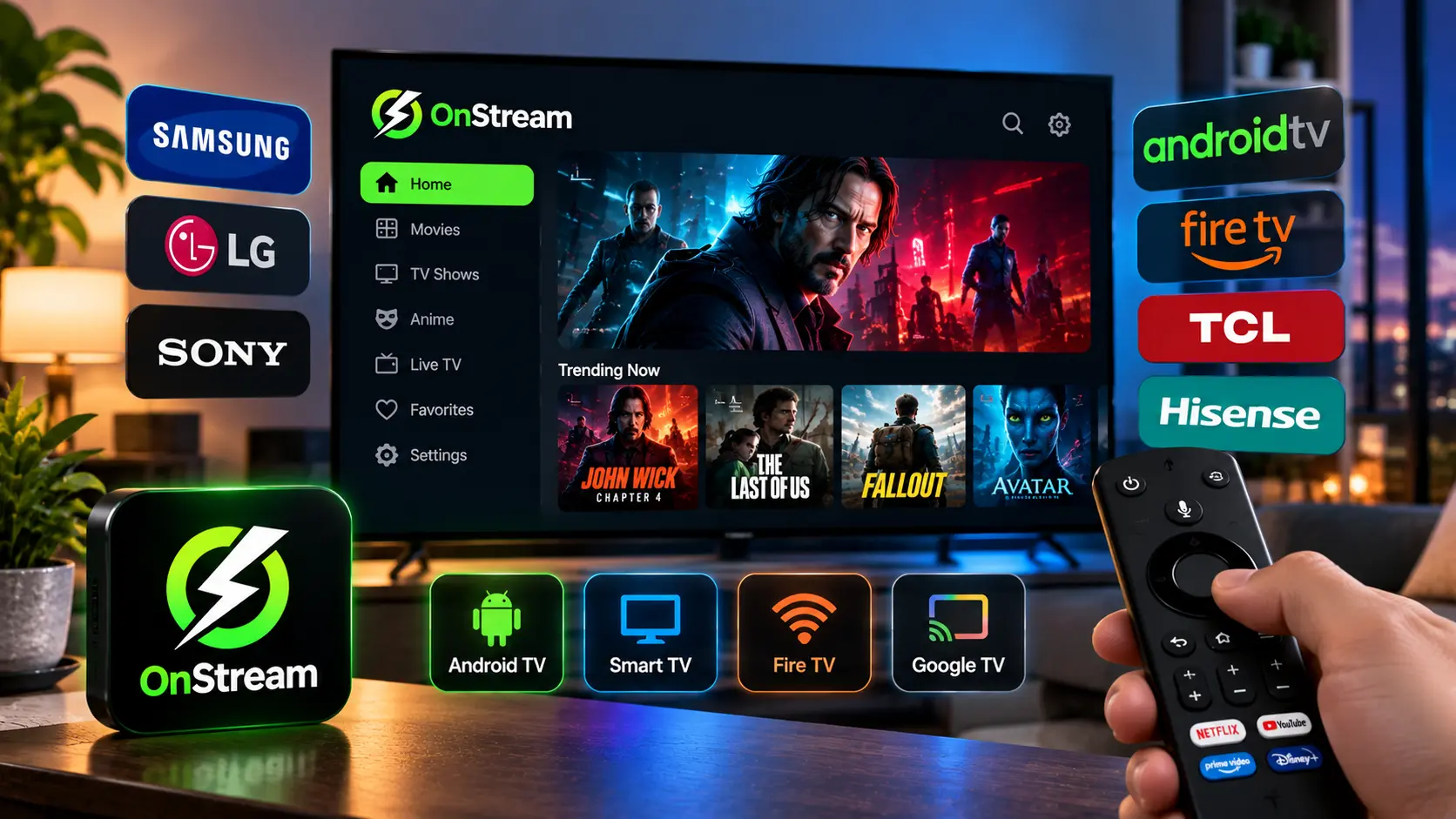
| TV / Device | Runs On | Direct Install? |
| Google TV, Chromecast with Google TV | Android TV OS | Yes, same method as Firestick |
| Sony, TCL, Hisense (Android TV models) | Android TV OS | Yes, same method as Firestick |
| Amazon Fire TV / Firestick | Fire OS (Android based) | Yes, see our Fire TV guide |
| Samsung Smart TV | Tizen OS | No, use casting or a streaming stick |
| LG Smart TV | webOS | No, use casting or a streaming stick |
| Roku | Roku OS | No, use casting from phone or PC |
TVs That Support a Direct Install
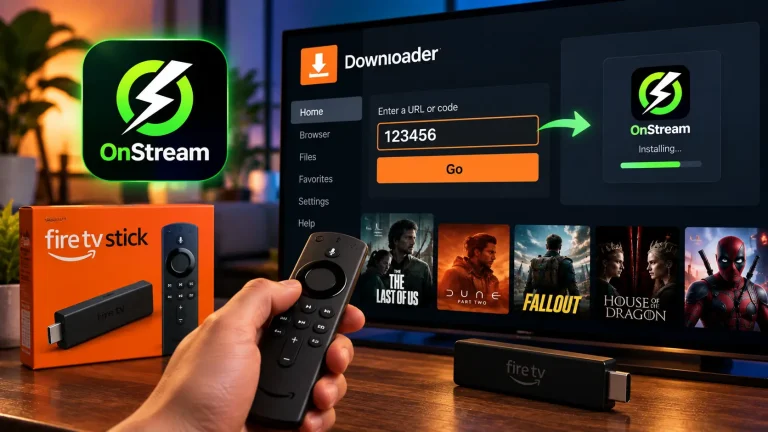
If your TV runs Android TV or Google TV, which covers most Sony, TCL, Hisense and Philips smart TVs along with any Chromecast with Google TV, the install flow mirrors a Firestick setup: open the TV’s developer settings and allow installs from outside its app store, grab the Downloader app from the TV’s own app store, then use it to pull the APK straight onto the TV. The steps are close enough to Fire TV that our Fire TV guide works as a stand-in walkthrough, since Fire OS and Android TV share the same Android foundation underneath.
For onstream google tv apk specifically, the process is identical, Google TV is Android TV with a different home screen layout, not a different operating system, so nothing about the install changes.
Samsung and LG TVs: Why Direct Install Won’t Work
This is the one worth being upfront about rather than dressing up with a workaround that does not really work. Samsung TVs run Tizen, and LG TVs run webOS. Neither operating system can open an Android APK file, full stop, which means searches for onstream apk for samsung tv are looking for something that does not exist as a direct install. Any page claiming otherwise is either confused or trying to get a click.
That does not mean Samsung and LG owners are stuck, it just means the content gets to the TV a different way:
● Screen mirroring from your phone. Samsung’s Smart View and LG’s screen share both let a phone display its screen on the TV, OnStream included, without installing anything on the TV itself.
● Wireless casting from a PC. Windows can cast a browser or desktop window to many Smart TVs directly from the Action Center.
● A small streaming stick plugged into the TV. A Fire TV Stick or a Chromecast with Google TV turns any TV with an HDMI port into one that can run the direct install method above.
Of the three, a streaming stick is the closest thing to a permanent fix, since it only needs setting up once rather than mirroring every time you want to watch something.
A Note on Generic “OnStream APK for TV” Downloads
You will sometimes see a page offering a generic onstream apk for tv file, as if there were one universal TV build. There isn’t one. The file is identical to the Android APK used on phones, the only thing that changes is the install method once it reaches a TV. A page implying a dedicated TV-only build is usually just hosting an unverified or outdated copy, so it pays to pull the file from a place you trust no matter which device it ends up on.
Frequently Asked Questions
Final Word
The short version: if your TV runs Android TV or Google TV, or it is a Firestick, you can install OnStream directly, and our Android phone and tablet guide covers the same permission prompts you will see along the way. If it is a Samsung or LG set, casting or a cheap streaming stick is the practical route rather than chasing a direct install that is not coming. Either way, the app itself is identical, so grab it from our APK download page once you know which method applies to you.