Is OnStream APK Safe? How to Check an APK Before Installing
“Is OnStream APK safe” is probably the most reasonable question anyone can ask before installing it, and it deserves a straight answer instead of a marketing line. OnStream is not on the Google Play Store, which means Android will not vet it for you the way it does with Play Store apps. That is not automatically a red flag, plenty of legitimate apps live outside the Play Store, but it does mean the responsibility for checking the file shifts to you. This page walks through what actually makes an APK safe or unsafe, and the exact checks worth doing before you install anything, OnStream included.
Why People Worry About OnStream APK Virus Risks
The concern around an onstream apk virus usually has less to do with OnStream itself and more to do with how sideloaded apps get distributed in general. Because the app is not in an official store, it gets mirrored, re-uploaded, and sometimes repackaged by sites that have nothing to do with the original developers. Some of those repackaged files are harmless. Some are not, and a few have been caught bundling extra permissions or hidden trackers that the original app never asked for. That risk is real, but it is tied to where you download from, not to the app itself.
Is the Official OnStream APK Safe to Download?
When you get the file from the developer’s own release channel and install it without modification, OnStream is safe to use. The app does not ask for banking details, does not require an account, and does not need permissions beyond what a media player reasonably needs, storage access and network access being the two big ones. If an APK claiming to be OnStream asks for anything beyond that, like contact list access or SMS permissions, that is a strong sign you are looking at a modified file rather than the real one.
How to Check Any APK Before Installing It
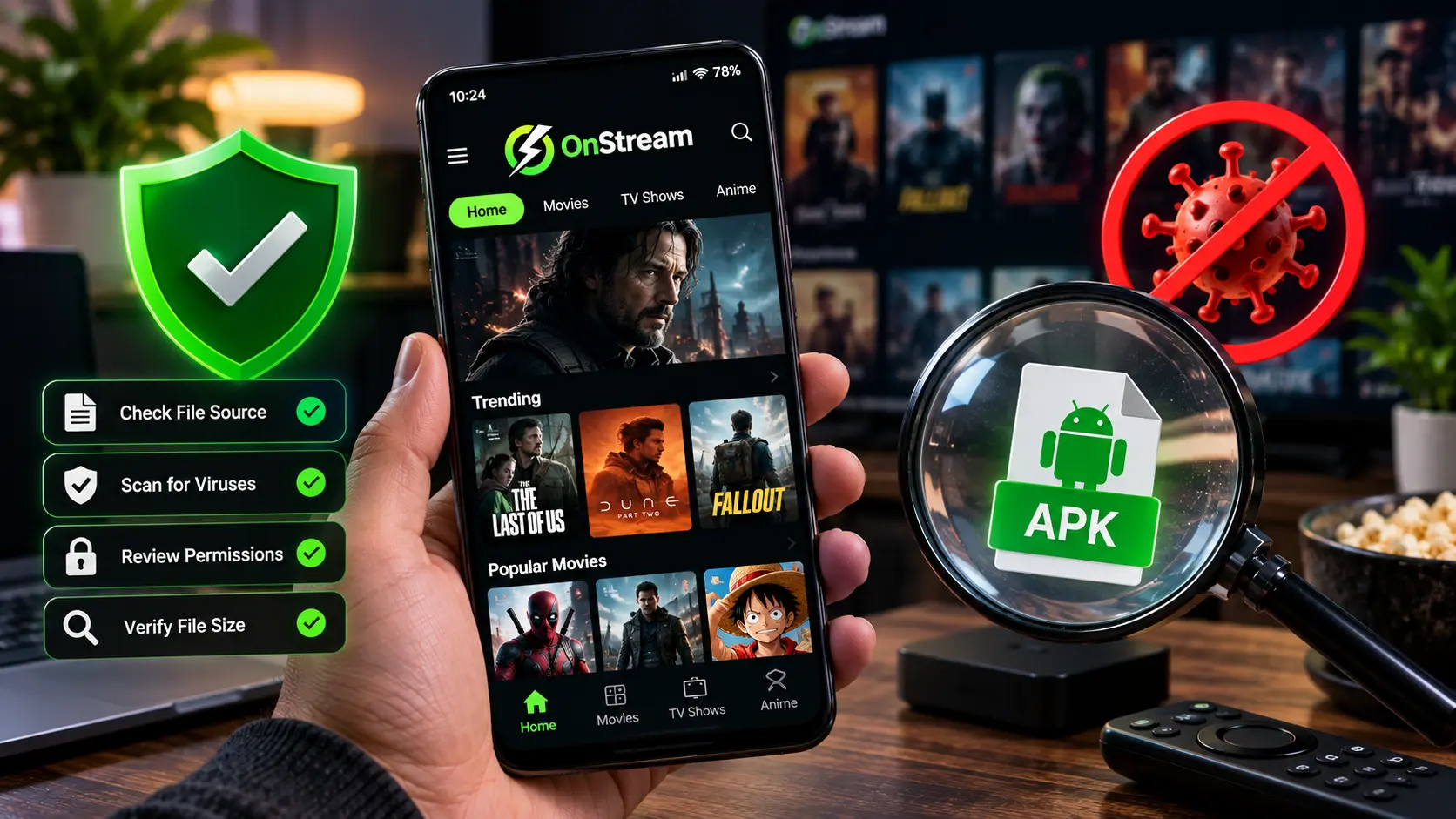
These checks apply to OnStream and honestly to any app you sideload, not just this one:
● Verify the domain, not just the app name. Copycat sites often use a name that looks almost identical to the real one. Check the URL carefully before you tap download.
● Compare the file size. A genuine build has a fairly consistent size across releases. If a file claiming to be the same version is dramatically smaller or larger, that is worth pausing on.
● Scan before you open it. Run the APK through your phone’s built-in antivirus, or a scanner app, before installing. This takes under a minute and catches most obvious problems.
● Check requested permissions during install. Android shows you what an app is asking for before installation completes. A streaming app asking for anything unrelated to media or storage is a red flag.
● Avoid “modded” or “premium unlocked” versions. These are the files most likely to be tampered with, since someone has already opened and re-packaged the original code.
● Keep Google Play Protect switched on. Even for apps outside the Play Store, Play Protect still scans installed apps in the background on most Android devices.
OnStream Security: What the App Does and Does Not Access
On the onstream security side, the app’s permission footprint is deliberately narrow. It needs storage access so downloaded titles can save to your device, and network access so it can stream and switch servers. It does not need your contacts, your microphone, your camera, or your location to function, and it should never prompt you for any of them. If a version you have installed is asking for permissions outside that list, uninstall it and get a fresh copy from a trusted source rather than granting the request.
Signs You Might Have a Fake or Unsafe Copy
● Pop-up ads appear outside the app itself, not just inside it
● The app asks you to disable Play Protect or your antivirus to continue installing
● You are prompted for card details or a subscription payment anywhere in the setup
● The installer file came from a shortened link or a site with no clear domain
● The app suddenly requests permissions it never asked for after an earlier install
None of these should ever come up with a genuine copy. If you see any of them, delete the file, and reinstall from our download page instead, where every build is scanned before it goes live.
Frequently Asked Questions
Final Word
So, is OnStream APK safe? Yes, when it comes from a source you trust and you keep an eye on the permissions it asks for. The app itself is built to work without touching anything sensitive on your device, and most of the risk people run into comes from unofficial copies rather than the real thing. If you have not installed it yet, or want to replace an older file with a verified one, grab the current build from our trusted download source, or start from the step-by-step Android setup if this is your first time setting it up.